
Visit the Flexify Notifications page to manage your email notification preferences. You need to be logged in to your Shopify account to access this page.
Keeping these notifications enabled can help you catch feed issues early and avoid missing important warnings about feed generation, product limits, or product data quality
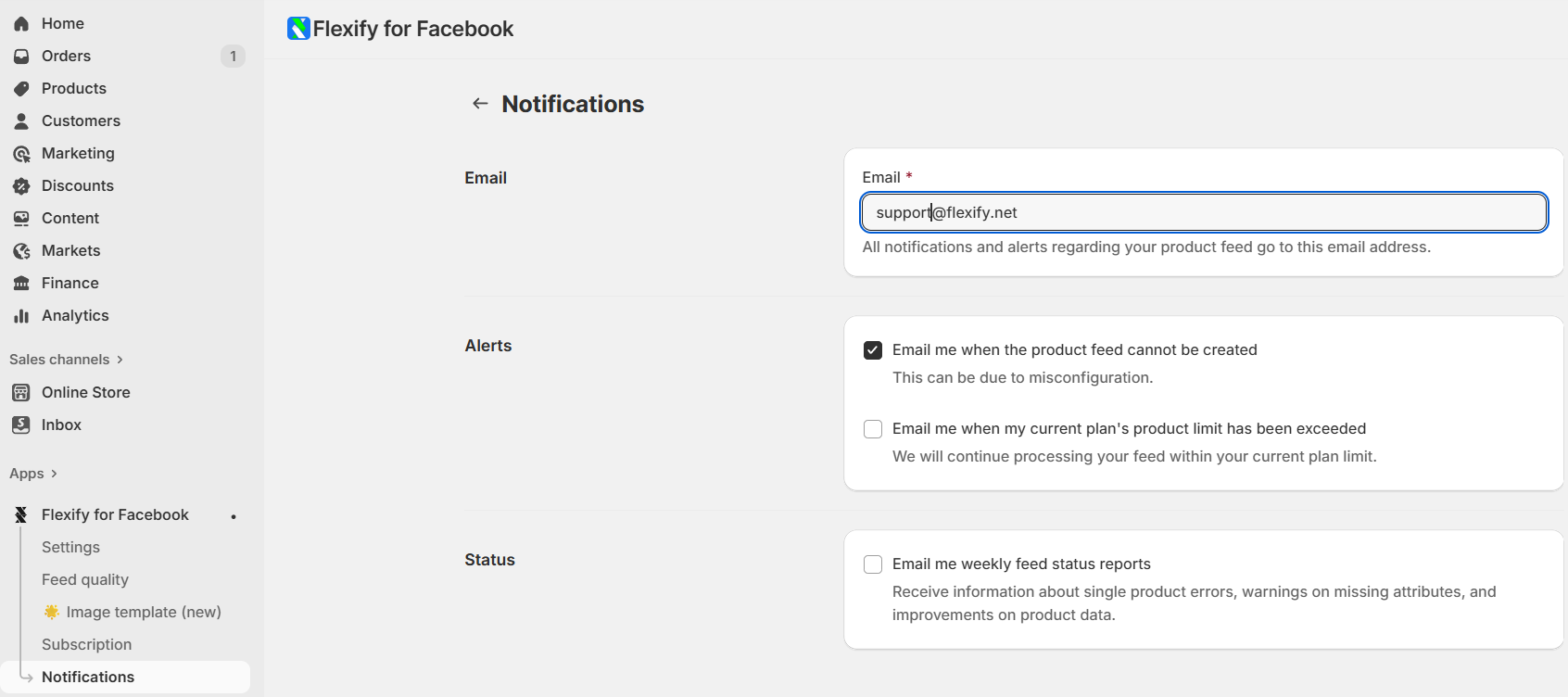
Choose the notification email #
Under Email, enter the address where Flexify should send notifications and alerts related to your product feed.
This can be your own email address or a shared team inbox used for store or catalog management.
Choose which notifications to receive #
You can enable or disable the following notifications:
- Feed creation alerts - receive an email if the product feed cannot be created, for example because of a configuration issue.
- Product limit alerts - receive an email if your store exceeds the product limit of your current Flexify plan.
- Weekly feed status reports - receive a weekly overview with information about product errors, missing attributes, warnings, and other feed quality improvements.
You can change these preferences at any time from the Flexify Notifications page.
Recommended setup #
We recommend using an email address that is checked regularly and keeping the alerts that are relevant to your feed enabled.
This helps make sure you do not miss important feed-generation issues, product-limit warnings, or feed quality problems that may need your attention.